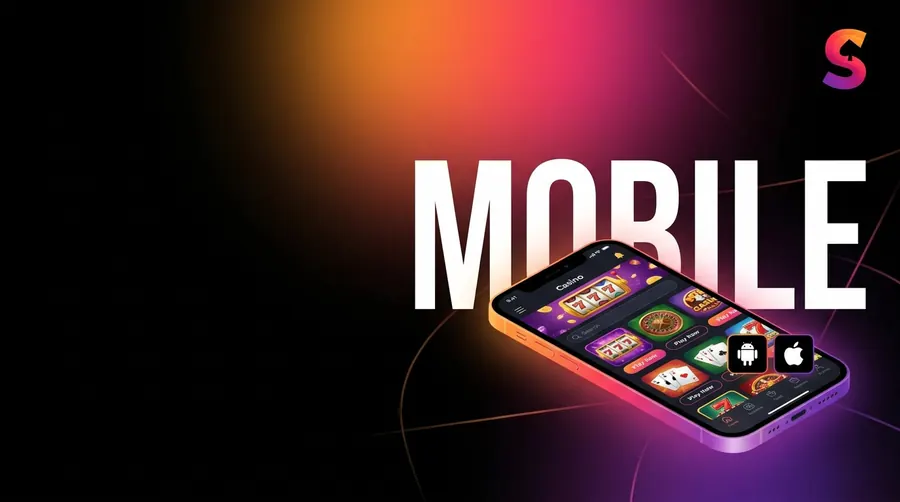
Sneket Casino on mobile: iOS and Android
The whole thing runs in your phone's browser, so there's no bulky app clogging up storage. Pin it to your home screen and it behaves like a proper app on Android or iPhone, with the full run of games, bonuses and payment options right there.
Updated: 2026-07-01
Install on Android (PWA)
- Open the Sneket site in Chrome on your Android.
- Tap the three dots up in the top right.
- Pick “Add to Home screen” (some phones say “Install app”).
- Confirm, and the Sneket icon drops onto your home screen.
- Tap it to open. It runs full-screen, no address bar in the way.
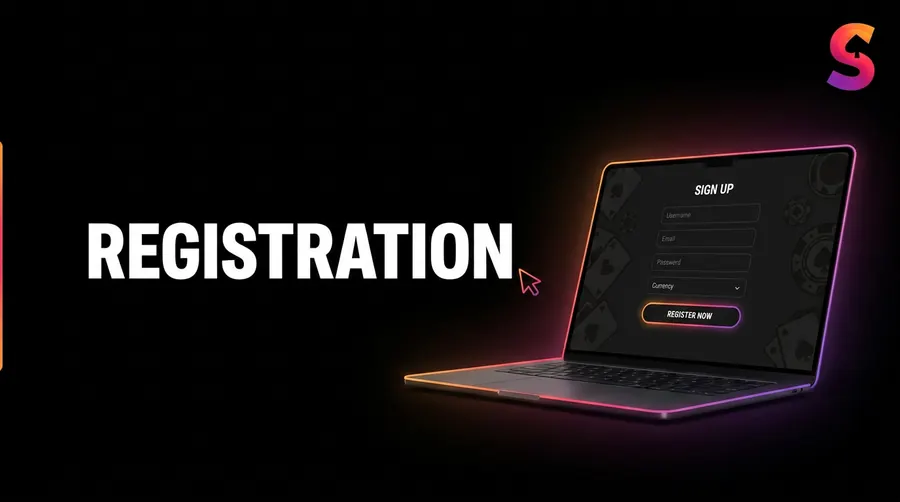
Install on iOS (PWA)
- Open the site in Safari on your iPhone or iPad.
- Hit the Share button, the square with the arrow poking out the top.
- Scroll down the menu and tap “Add to Home Screen”.
- Tap Add. The Sneket icon lands on your home screen.
- Open it and you’re playing full-screen, same as any app.
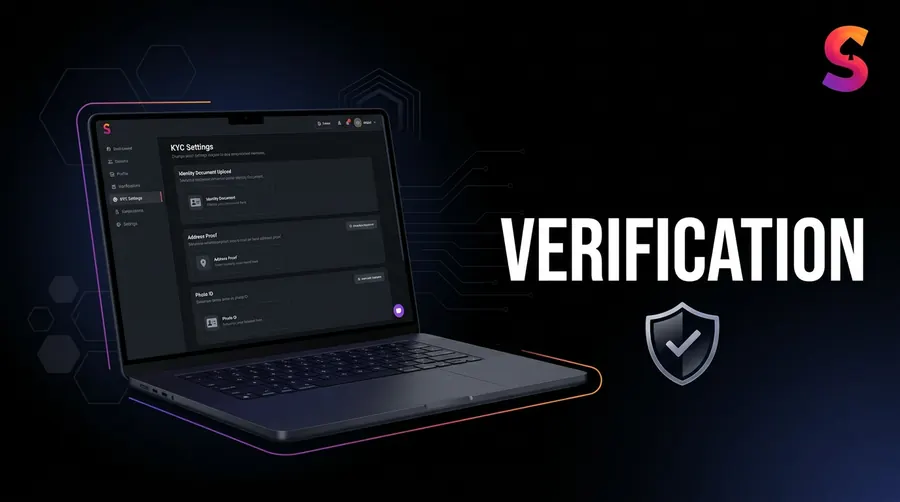
Why the browser/PWA approach
- No hefty APK, and no App Store banning gambling apps out of nowhere.
- You’re always on the current version. There’s nothing to update by hand.
- Every one of the 5,000-plus games runs, live tables and crash included.
- Deposits, withdrawals, bonuses and account settings all sit where you expect.
- It sips storage compared with a full native app.
Mobile FAQ
Is there a native Sneket app?
Not in the stores. It’s a web app you pin to the home screen, which gets you the same thing without the download.
Do all games work on mobile?
They do. Pokies, crash and the live tables are all built to work under your thumb.
Can I claim bonuses on mobile?
Every bit of it. The welcome package and the rest behave exactly the same on a phone as on a desktop.
Does the PWA use much storage?
Barely any. Since it leans on your browser to do the work, it’s far lighter than a native app.
Play Sneket on your phone
18+ · T&Cs apply · Play responsibly